This article explains how to set up a new wallet. If you already have an existing wallet and want to restore it into NUFI's interface, see how to do that using a seed phrase here or by pairing a hardware wallet here.
Step 1: Setup
Download NUFI's browser extension wallet or open NUFI's web wallet (see the difference here).
Step 2: Create a new wallet
Open NUFI wallet and select 'Create New Wallet' then 'No, I don't have a hardware wallet'
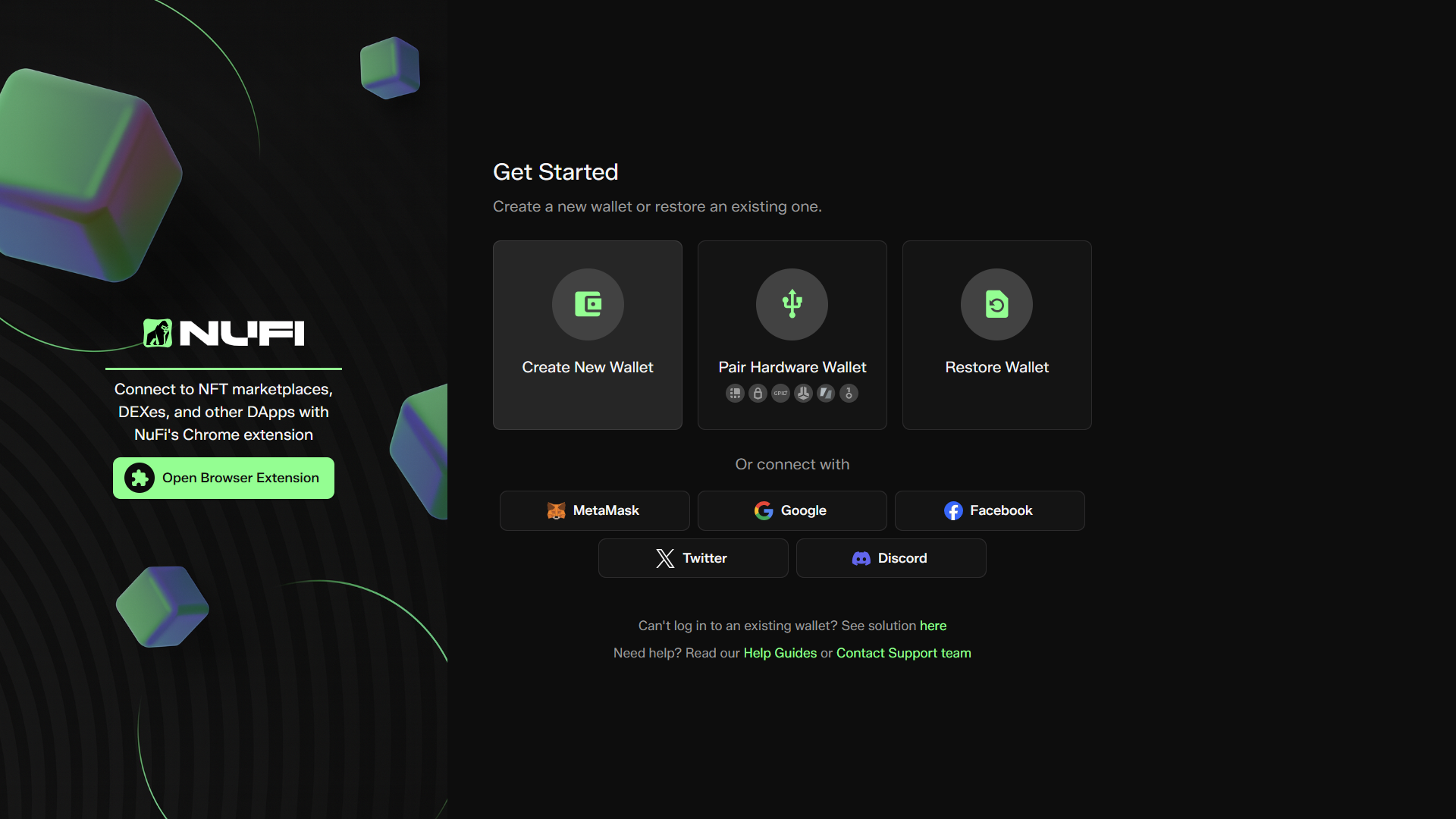
Wallet setup is different for hardware wallet users and non-hardware wallet users:- If you don't have a hardware wallet, you'll write down a wallet recovery phrase during setup.
- If you do have a hardware wallet, you can choose to skip the recovery phrase (as this is used to back up hot wallet accounts only).
Step 3: Choose a wallet name and set a password
- Log in quickly when you open NUFI
- Create multiple wallet profiles (you can choose which wallet you want to log in to each time you open NUFI)
Step 4: Write down and confirm your recovery phrase
Your 15-word recovery phrase is your wallet's backup, and you can use it to restore your wallet into NUFI or another non-custodial wallet. If you lose your recovery phrase, you may lose access to your funds.
- Store this phrase safely offline (not on your computer or online)
- Do not share your recovery phrase with anybody, ever
- NUFI support staff will never ask you for your recovery phrase
- Your recovery phrase cannot be restored by NUFI if you lose it
- Learn more about your recovery phrase here
Step 5: Enable blockchains
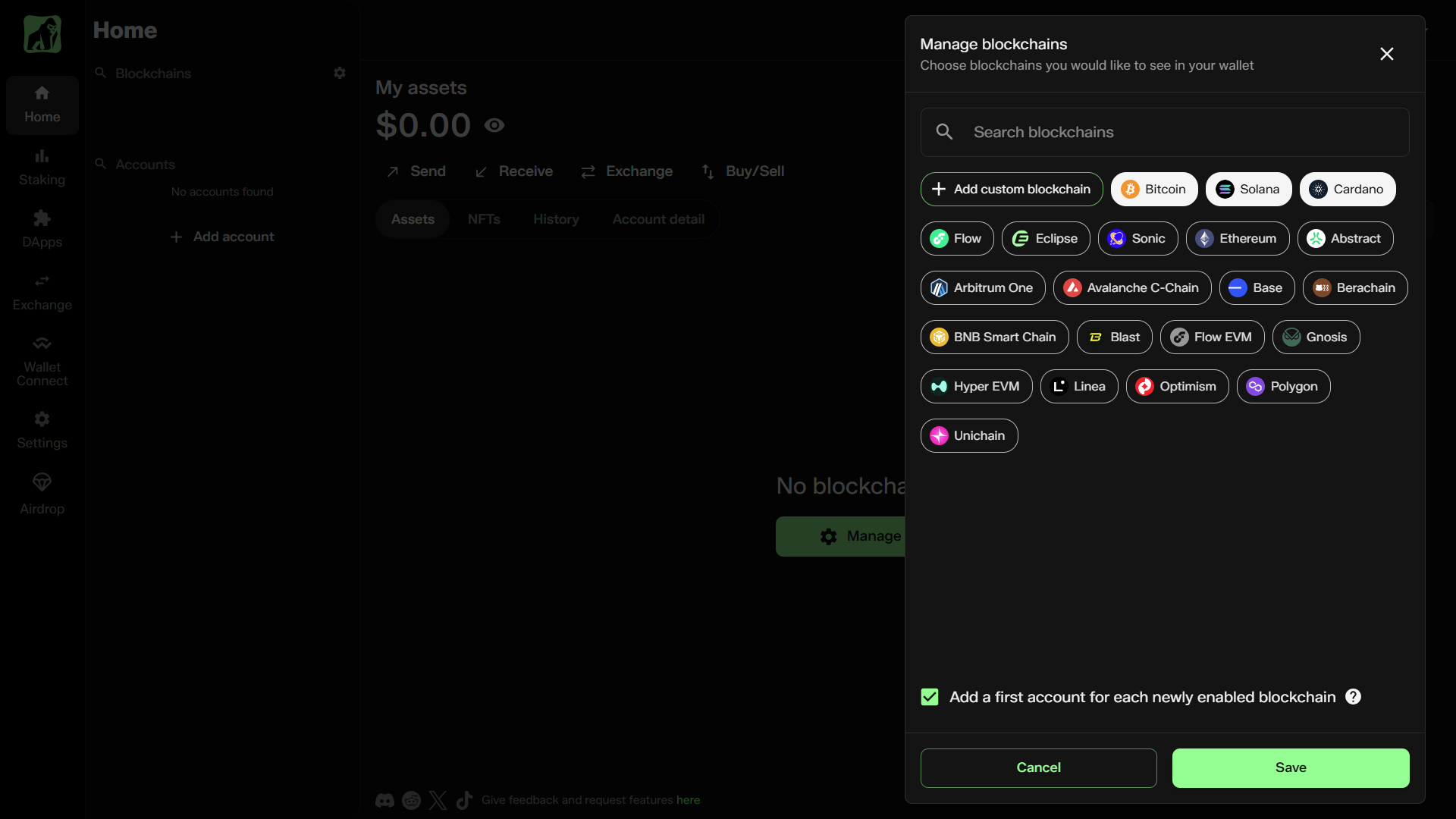
When your wallet opens, click 'Manage blockchains'. You'll see the different blockchains that NUFI supports (with an option to custom-add EVM chains).
Select which blockchains you want to enable; you'll create a new account for each selected chain.