
When you connect to a dApp using NUFI's browser extension wallet, NUFI remembers which account you connected with and automatically connects with the same account on your next visit.
To disconnect from a dApp, e.g. to connect with a different account:
1. click the NUFI browser extension icon
2. click the Disconnect icon; this disconnects the currently-connected account
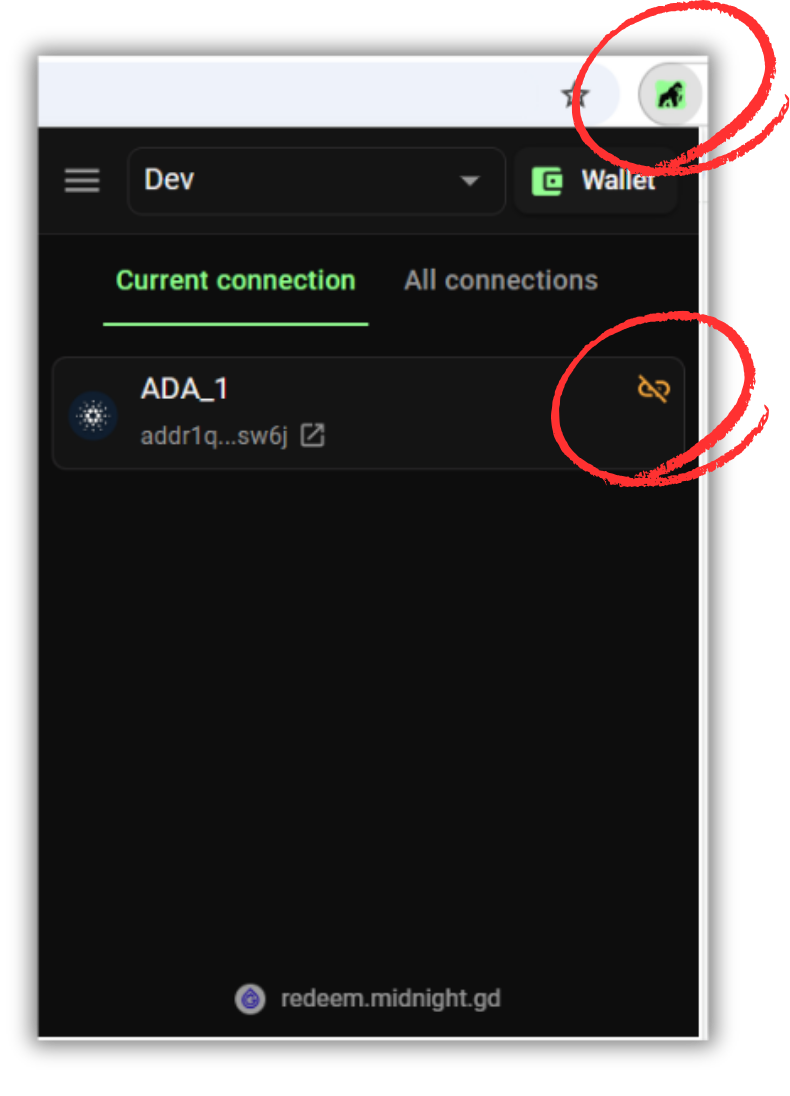
3. next time you connect to the dApp, NUFI's dApp connector will launch and ask you which wallet profile and account you want to connect with.